Why buy from us?
We offer competitive prices and quality services!
Ask a Question About This Product
- Stock: In Stock
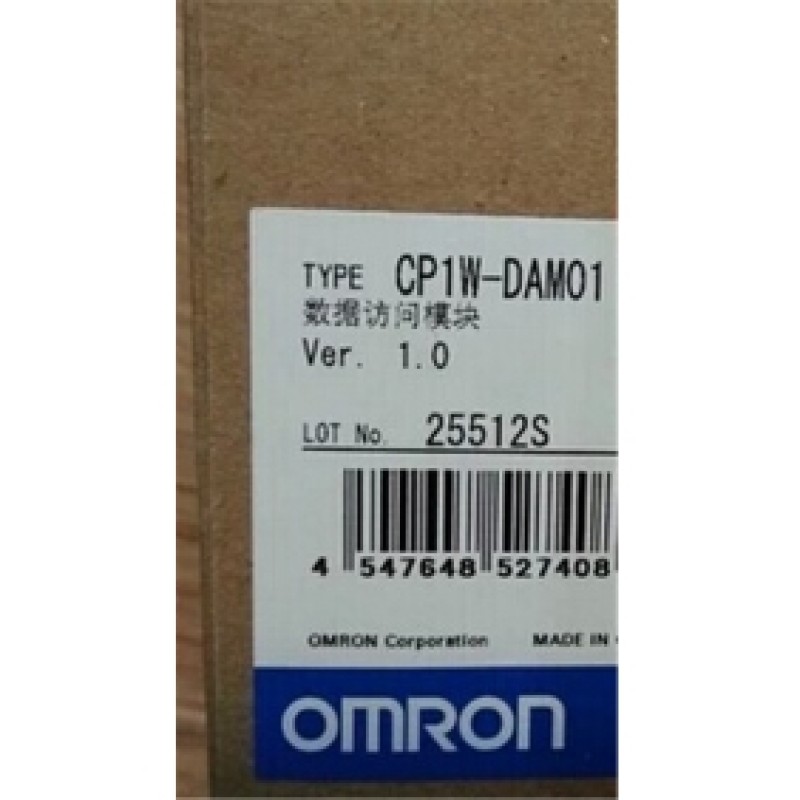
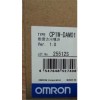
- Model: CP1W-DAM01
- Weight: 2.00kg
2. Shipping options include DHL, UPS, FedEx, and EMS.
3. Estimated delivery time for express shipping via DHL, UPS, FedEx, or EMS generally ranges from 3 to 10 business days, depending on the destination country.
4. Please verify your address thoroughly when placing your order.
5. Important for buyers: You are responsible for any tariffs on accessories. To potentially avoid these tariffs, you may choose EMS express shipping.
6. The shipping service is responsible for any accidents, delays, or other issues that may arise.
Returns:
We offer a 14-day return policy. If you wish to return an item, please contact us within 14 days and ensure that the package remains unopened. The buyer is responsible for the shipping costs for both the return and the initial delivery, as well as any applicable customs fees. Once we receive and inspect the product, we will process your refund within 24 hours.
For any quality issues that arise during normal use within the warranty period, we will repair the item free of charge. The buyer is responsible for the return shipping cost, while our company will cover the cost of re-shipping the repaired item.
Item | Function | |||
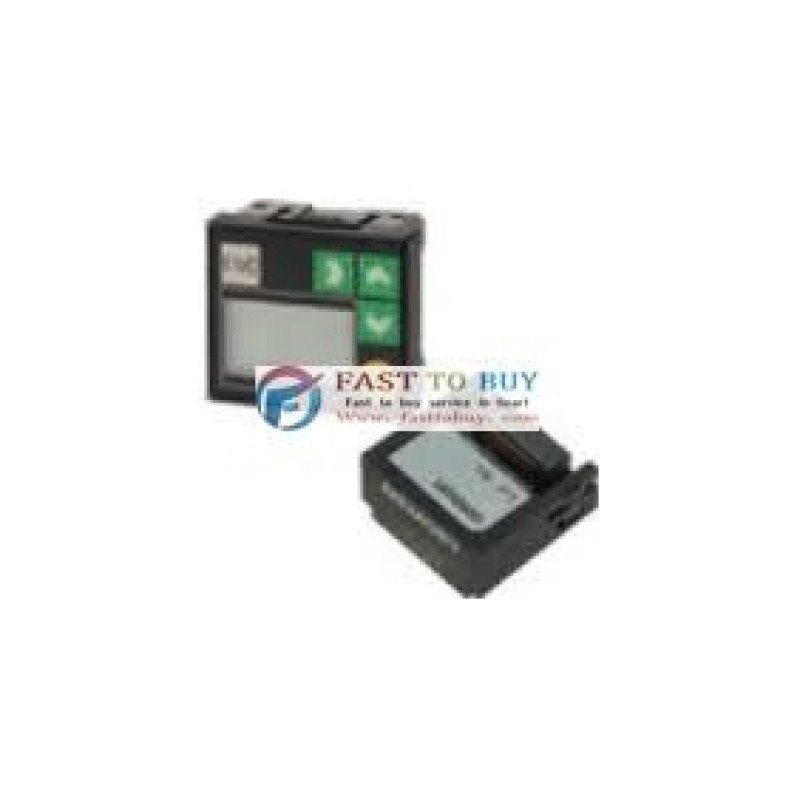
Mounting port | CP1H/CP1L: Option board slot 1 Note: The LCD Option Board cannot be used for the CP1L-L10. | |||
Communications protocol | Peripheral bus (Turn ON DIP switch pin 4.) | |||
Weight | 30 g max. | |||
Number of display characters | 4 rows | |||
Display characters | 5 | |||
Backlight | Electroluminescence (EL): Normal: Lit green; Error: Flashing red | |||
Operation | Description | |||
Changing operating modes | Change the PLC operating mode without using the CX-Programmer. | |||
I/O memory | Read and change the present values in the memory areas and force-set or force-reset bits. | |||
PLC Setup operations | Read and change the PLC Setup. | |||
Analog I/O monitor | Monitor the analog adjustment and present value for the external analog setting input. | |||
Error log display | Read the log of errors that have occurred. | |||
Memory cassette operation | Transfer and verify user programs between the PLC and memory cassette. | |||
User monitor settings | Read the status of up to 16 words and bits with comments. You can use this setting to read data on the startup display. | |||
Message display function settings | Display a user-set message of up to 48 characters on the LCD Option Board when a specified bit turns ON. A maximum of 16 screens can be registered for display. | |||
Timers | Day timer | Use this timer for ON/OFF switching at a specified times every day from the starting day of the week to the ending day of the week. Sixteen timers cam be set from timer 01 to timer 16. Operation: Starting day of the week Example: Monday Ending day of the week Example: Friday Starting time Example: 9:00 Ending time Example: 17:00 Starting time 9:00 Ending time 17:00 Starting time 9:00 Ending time 17:00 OFF ON | ||
Weekly timer | Use this timer for ON/OFF operation in intervals of one week that starts one day and ends another day. Sixteen timers cam be set from timer No. 01 to timer No. 16. Operation: OFF ON Starting day of the week Example: Monday Ending day of the week Example: Friday Starting time Example: 12:00 Ending time Example: 8:00 Starting time 12:00 Ending time 8:00 | |||
Calendar timer | Use the calendar timers for ON or OFF operation in intervals of one year from the starting day to the ending day. Sixteen timers can be set from timer 01 to timer 16. Operation: Starting day July 1 Ending day August 31 OFF ON Set September 1 as the ending day. | |||
Saving setting | Save the various settings that you set with the LCD Option Board to the DM Area of the PLC. You can also write the settings saved in the PLC to the LCD Option Board. | |||
Language | Changing the display language (Japanese/English) | |||
Other functions | • Setting the time of the PLC's built-in clock • Reading system data (e.g., unit version and lot number) • Setting the backlight lighting time • Adjusting LCD contrast • Reading cycle time (e.g., average, maximum, and minimum) • Clearing data for the LCD Option Board | |||